
Workshop History Tool
2025-11-27
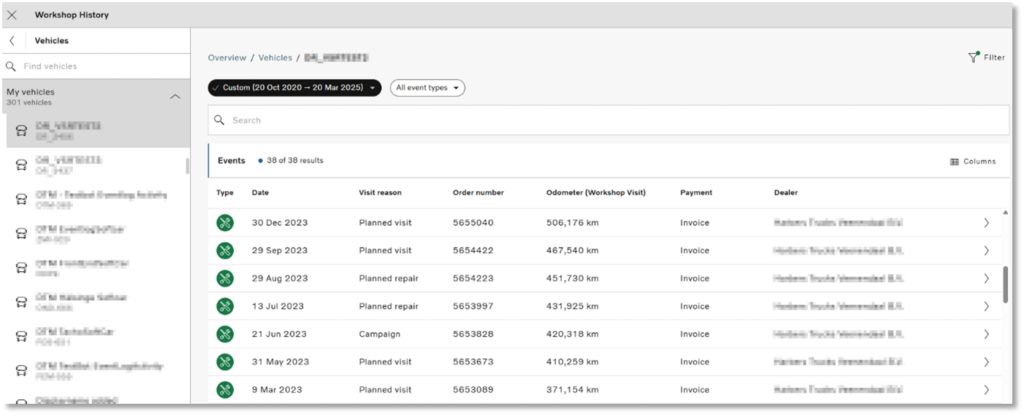
The Workshop History tool now features an improved design and enhanced functionality, providing you with a clearer and more comprehensive overview of your maintenance activities. With the new chips located at the top of the screen, you can easily choose the specific dates you wish to display. You can also select which event types you want to view. These options can also be adjusted using the Filter option.
 icon. The Calendar tool will open in a new browser window.